
Billing is now the Spend page. See your month-to-date AWS spend, a forecast for the rest of the month, and a full spending history broken down by service and by account.
What's new
New Spend page with month-to-date AWS cost, forecast, and full spending history by service and account
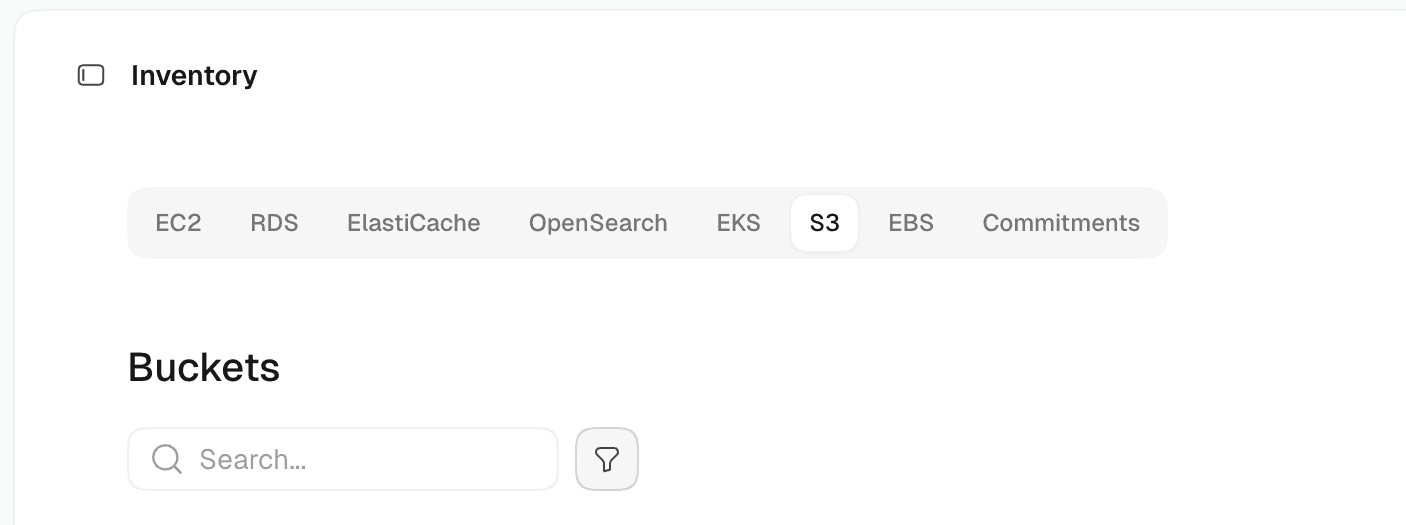
S3 buckets are tracked in AWS inventory, including lifecycle rules, alongside your other resources
Milkman chat history: reopen past conversations from a history panel in the chat header
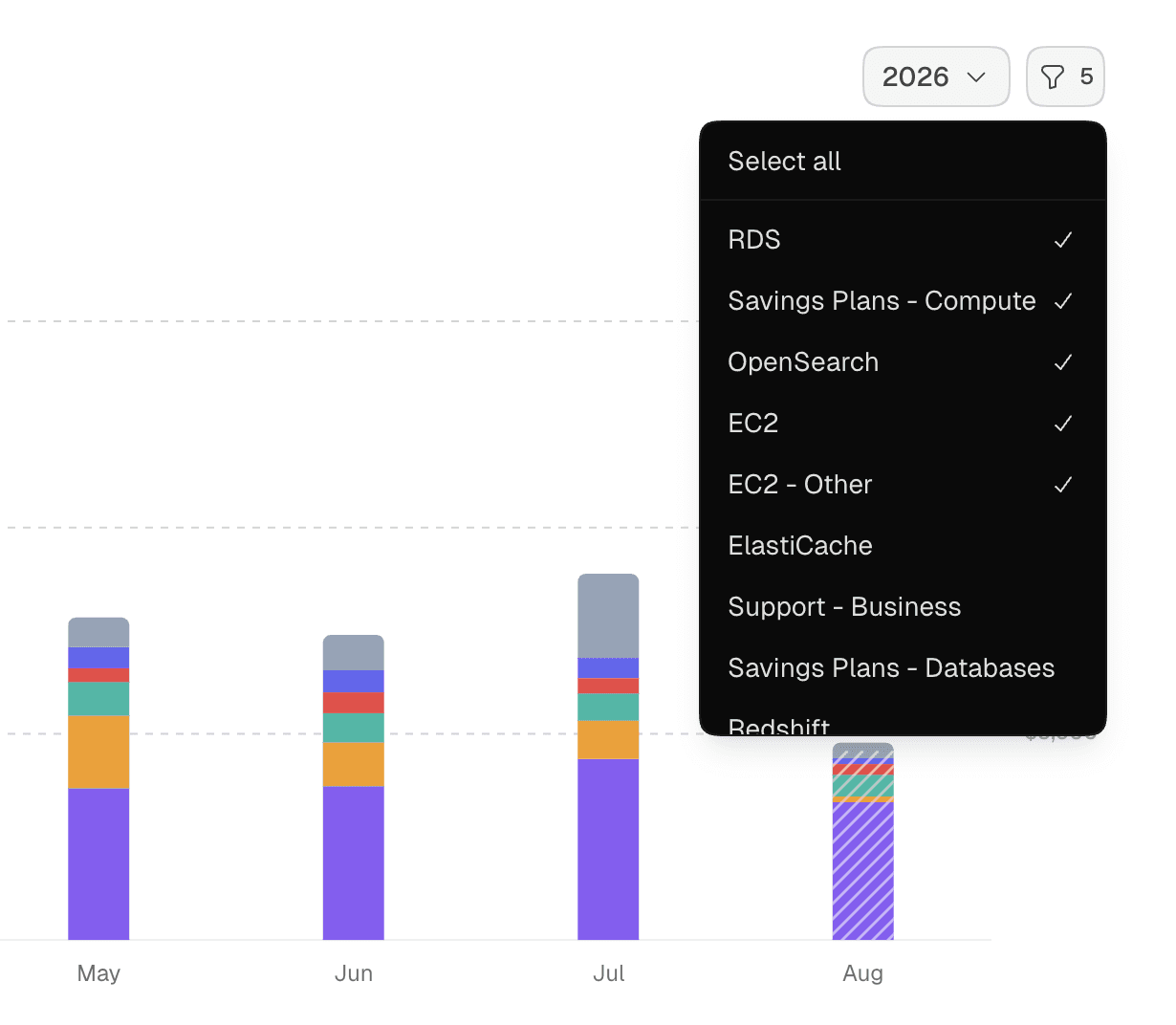
Filter dropdowns include select all and clear all so you can reset options quickly
Organization logos show in the org switcher and command palette instead of a generated avatar
Small polish: updated copy icon, animated org switcher menu, filled status cards, and wider dropdowns for long text
Fixes
More accurate Savings Plans savings: expected savings calculations are refined so the numbers are more accurate
Faster setup: new organizations see savings and cost dashboards populate right after connecting AWS, instead of waiting on the full sync
Savings page coverage badge now counts all active reserved instances and savings plans, not only those under a MilkStraw contract
Billing receipt emails can include your invoice as a PDF attachment when billing information is added
MilkStraw logo displays correctly on the onboarding welcome screen